

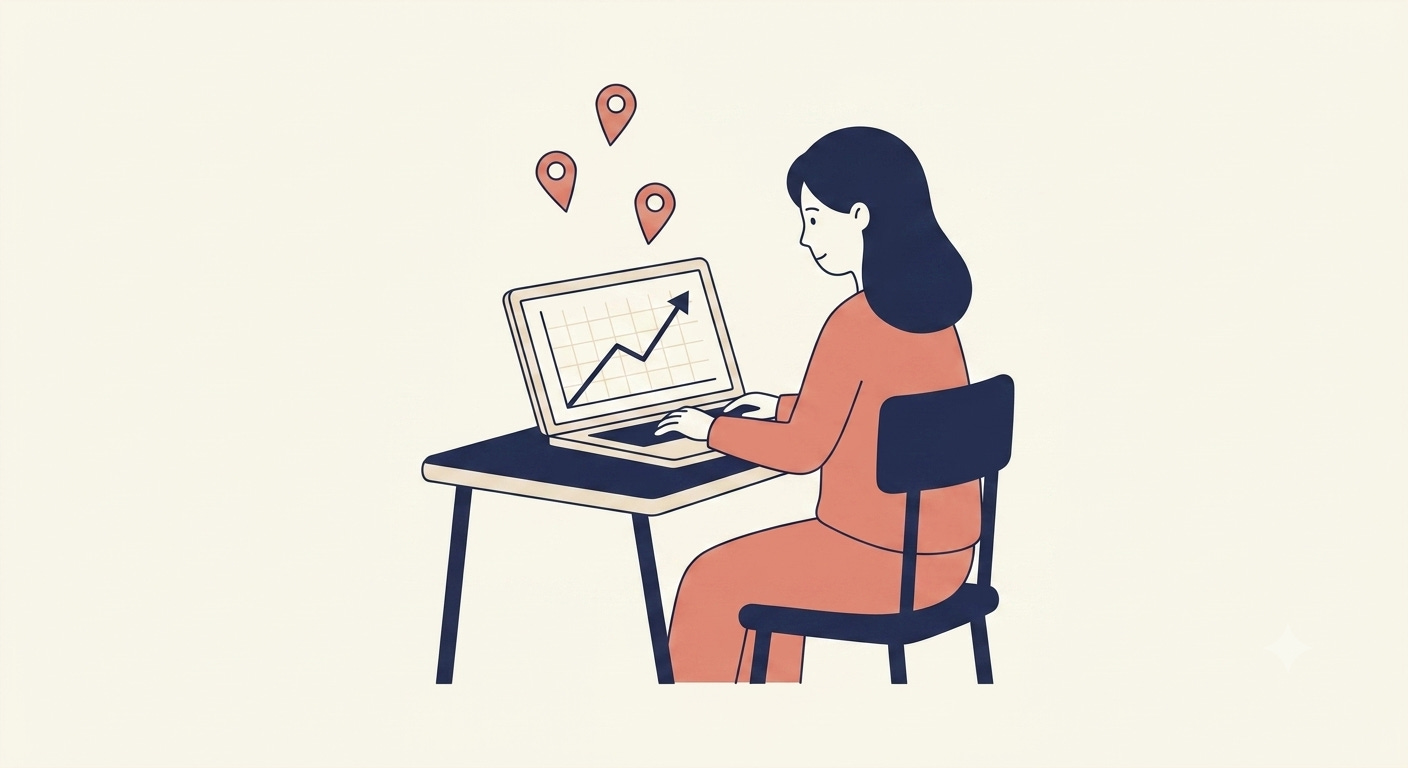
On June 17, an advertiser at one of Pinterest’s pilot agencies opened her dashboard and saw something different. Searches for ‘clean beauty routine’ were up 42% that week. Pinterest’s new Business Assistant had already pulled the chart, surfaced the leading Pins, and suggested a clean beauty ad campaign she could launch.
She didn’t have to search for the trend herself.
That advertiser’s workflow is one example of what Pinterest changed in June. The same pattern is rolling out across its advertiser tools, and operators outside ad-tech should look closely at how Pinterest is using its data to take repetitive analysis off the human side of the workflow.
What Pinterest Shipped a Week Before Cannes
On June 17, Pinterest announced four AI products ahead of Cannes Lions: Business Assistant, Pinterest MCP, a new Performance+ creative model, and Ask Pinterest. The announcement reads like an ad-tech story. Underneath the ad-tech framing, Pinterest is using a decade of taste and intent data to automate the analysis and selection work advertisers used to do themselves.
In the announcement, Pinterest’s Chief Business Officer Lee Brown said, ‘The future of discovery won’t be driven by keywords alone. It will be shaped by context, taste, and trusted recommendations.’
Users don’t want to type queries anymore. They want the platform to already know what they’re looking for, and Pinterest is rebuilding its advertiser tools around the same idea.
Which Advertiser Decisions Pinterest’s AI Now Handles
Each of the four products replaces a task someone on the advertiser side used to do manually.
Business Assistant automates the trend monitoring a campaign manager used to do by scanning dashboards.
The Performance+ creative model automates the asset selection that a creative lead used to do through A/B testing.
Pinterest MCP gives an agency analyst direct access to Pinterest campaign data and analytics from inside the analyst’s own working tools, instead of having to log into Pinterest separately to pull the same numbers by hand.
Ask Pinterest automates the multi-step planning a shopper used to do across several searches.
The people doing the work stay in place. What changes is the part of the job they spend time on.
A campaign manager defines what a winning campaign looks like and reviews the recommendations Business Assistant surfaces. A creative lead sets the brand voice and approves which AI-selected variant runs. An agency analyst advises the client using insights MCP delivers automatically. The strategy and judgment stay with the human. The retrieval, comparison, and selection now sit with the model.
Advertisers spend less time on retrieval and comparison and more time on strategy, judgment, and client relationships.
Why This Matters for the Team You Run
Pinterest spent two years building infrastructure to automate the repetitive analysis its advertisers used to do themselves. The Performance+ model improved click volume by 7.5% in Pinterest’s own testing. Pinterest MCP is letting agencies like PMG, Pacvue, and Omnicom’s Jump450 plug Pinterest insights directly into their AI workflows.
The pattern is borrowable. The technology is open. Pinterest MCP runs on the same protocol your team can run.
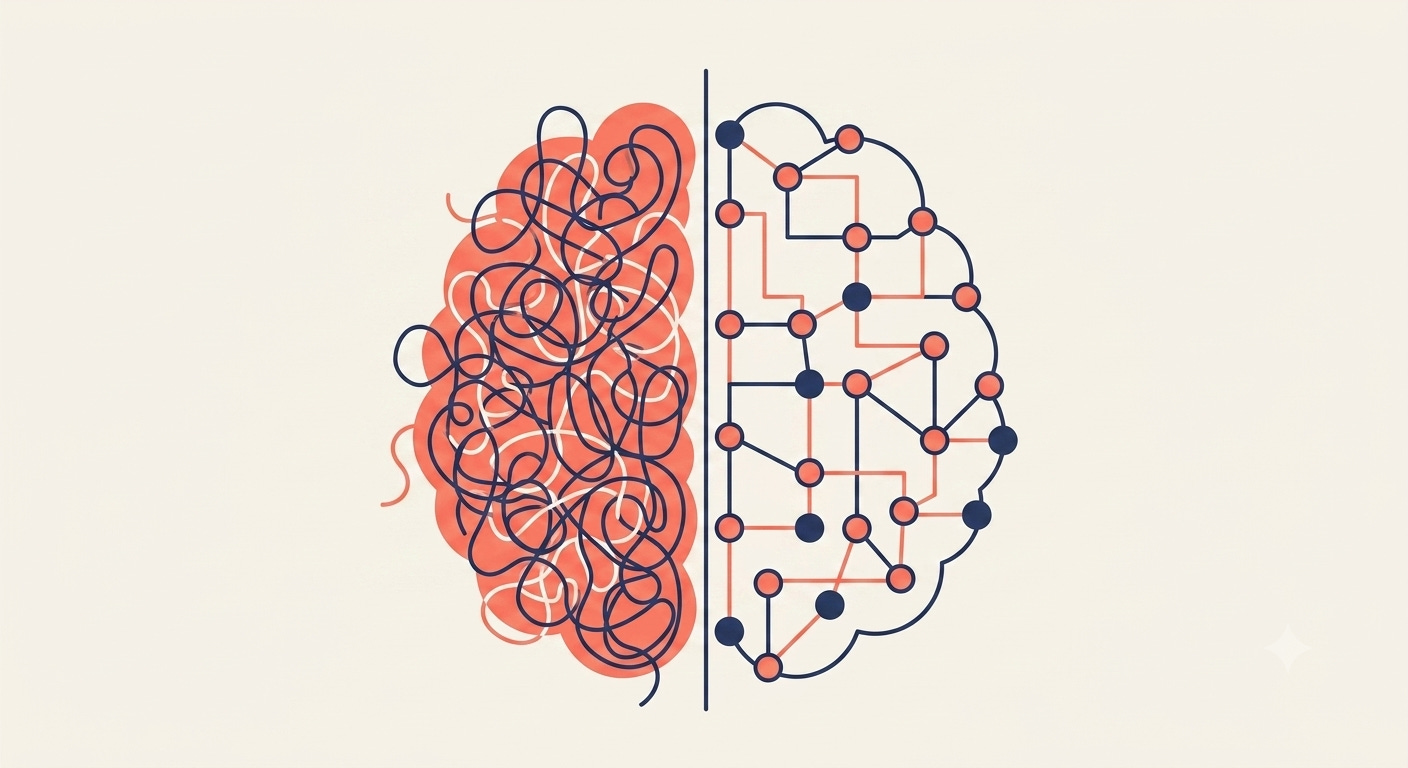
Technology is the easy part. The harder part is auditing your team’s decision flows in enough detail to see which steps an AI tool could handle on its own. Without that audit, applying AI to your team stays abstract.
Many operators can name three or four obvious time sinks. Status meetings. Slack triage. Pulling numbers for the weekly review. Those are the symptoms a team sees.
The deeper layer is the work nobody tracks. Context switching. Re-reading yesterday’s threads to remember what was decided. The seven-minute Slack derail that costs forty minutes of regained focus. The constant low-grade pattern-matching across dashboards that no one would call work but everyone does anyway.
Until a team can name those untracked tasks specifically, no AI tool can handle them. The audit has to come first.
In case you missed last week’s Data Letter sprint, it covered the same problem from a different angle. Samsung is rolling out ChatGPT, Gemini, and Claude to all 260,000 of its employees and measuring the rollout by full-time-equivalent.
Samsung Gave 260,000 Employees AI. Few Will Use It Well. explains why access to AI doesn’t change how the work gets done.
Build the AI Scoring System Samsung’s 260,000 Employees Aren’t Getting is Wednesday’s live recording, where I built a working scoring system from scratch.
I Built an AI Lead Scoring System That Reads My Inbox and Writes to HubSpot. Here’s How. is the full implementation guide: the Claude Project setup, the system prompt, and the HubSpot connector flow.
One Thing to Try This Week
Pick one decision your team makes every week. Something like ‘which support tickets get escalated this morning’, ‘which leads sales should prioritize, or ‘which marketing campaign deserves more budget this week’. The decision should recur often, have a clear input, and produce a clear output.
For each step in that decision, write down two things: the person who currently does the step, and the data or context they pull to do it. For a ‘pipeline coverage review’, for example, the person is the sales manager and the data is the current week’s deal stages from the CRM.
Many teams find that around 60% of the cognitive effort involves retrieval, comparison, or pattern matching. Work an AI tool can do faster than a tired manager at the end of the week.
If an AI tool handled the 60% that’s retrieval and comparison, the hours your team spends on that work would free up for the 40% that requires judgment, strategy, and client time.
Pinterest finished that audit for its advertisers two years ago. The same exercise is overdue on many teams.
Next Step
This Thursday, July 2nd, I’m going LIVE to walk through how AI is redistributing cognitive labor across organizations. What the pattern looks like, where it’s working, and the framework operators can use to map their own teams.
On Thursday, I’ll release the full build: Map Where Your Team’s Mental Energy Goes, and Build an AI to Redistribute It. The Pinterest story above explains why this redistribution matters. Thursday’s build walks through a full example: a team’s weekly decision flow, the audit that identifies the 60%, and the AI tool built to handle it. You can run the same approach on your own team’s workflow.
they built off knowing what people want, not guessing at it